Home
Command center
Your budget, countdown, top priorities and key dates on one page, plus a holiday vision to decide what this season should feel like.
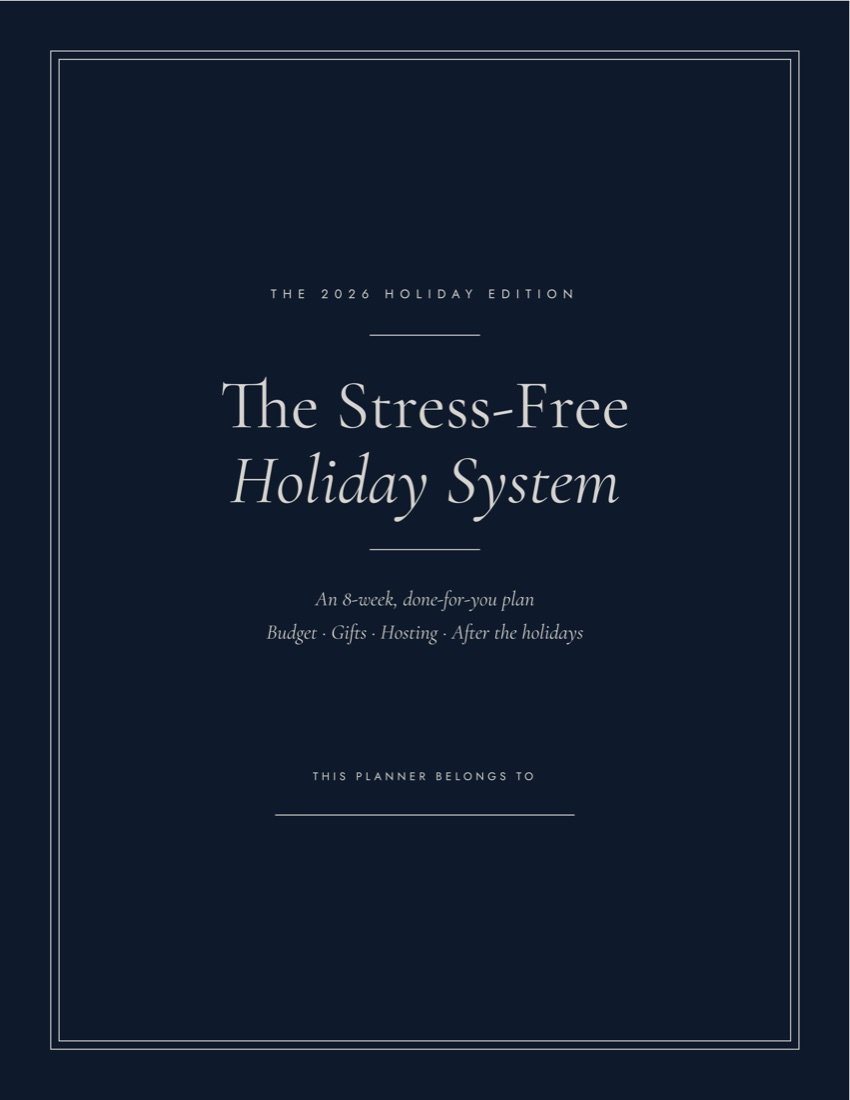
The 2026 holiday edition
Most holiday planners hand you fifty blank pages. This one is already written: what to do and when, from the first week of November to the week after Christmas. You follow it, tick it off, and actually enjoy December.
Sound familiar?
You love this time of year. But between the gift lists, the grocery runs, the shipping deadlines and the money, it's easy to reach Christmas Eve already exhausted.
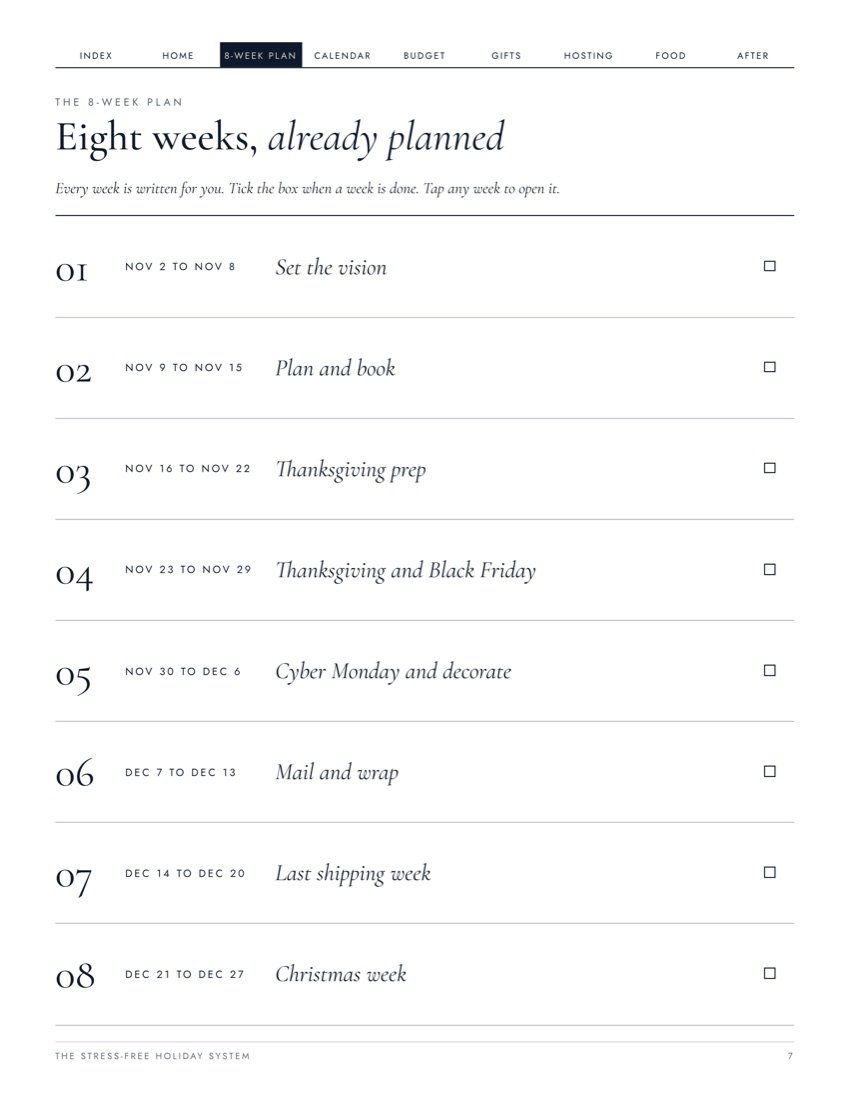
The 8-week plan
Every week comes with its own checklist, written for you. Open the planner each Monday and do what's on the page. That's it.
01
Nov 2 to Nov 8
Set the vision
02
Nov 9 to Nov 15
Plan and book
03
Nov 16 to Nov 22
Thanksgiving prep
04
Nov 23 to Nov 29
Thanksgiving and Black Friday
05
Nov 30 to Dec 6
Cyber Monday and decorate
06
Dec 7 to Dec 13
Mail and wrap
07
Dec 14 to Dec 20
Last shipping week
08
Dec 21 to Dec 27
Christmas week
What's inside
Every part of the holidays, organized into clickable tabs, so you can jump to any page in one tap.
Home
Your budget, countdown, top priorities and key dates on one page, plus a holiday vision to decide what this season should feel like.
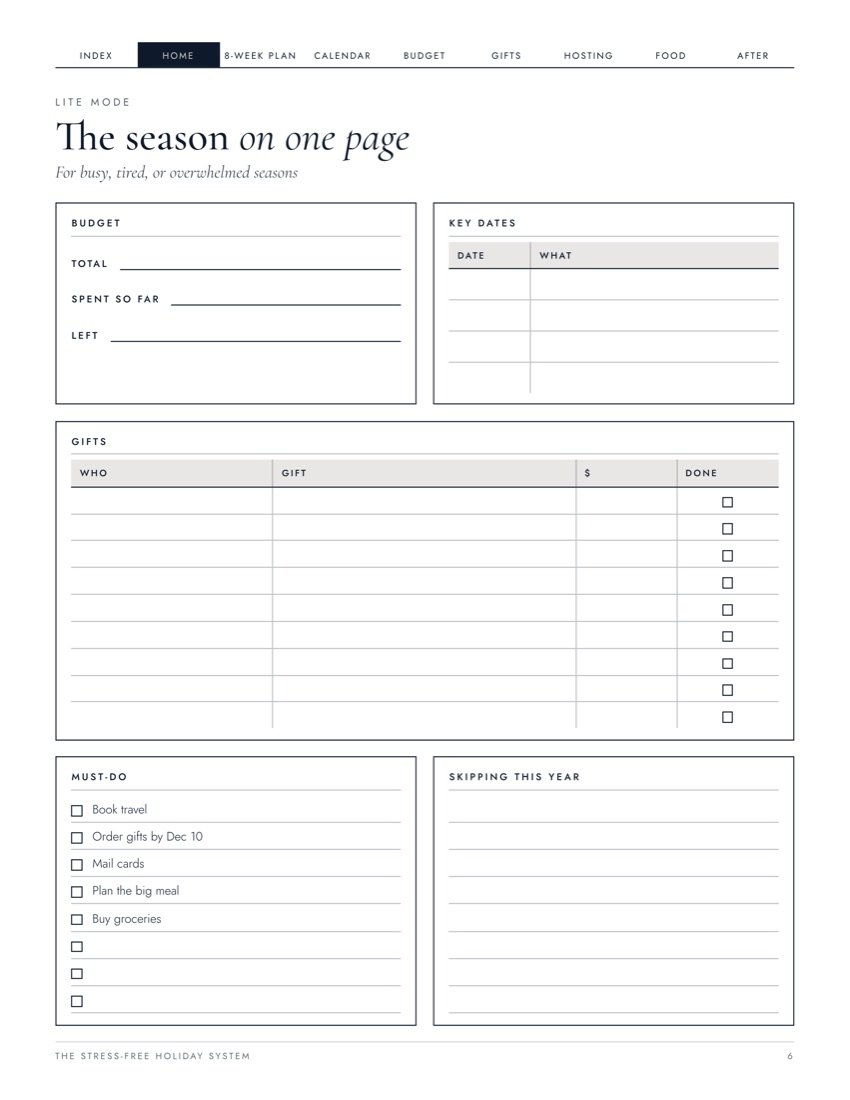
Lite mode
For busy or tired years: the whole holiday on a single sheet. Ignore everything else.
Money
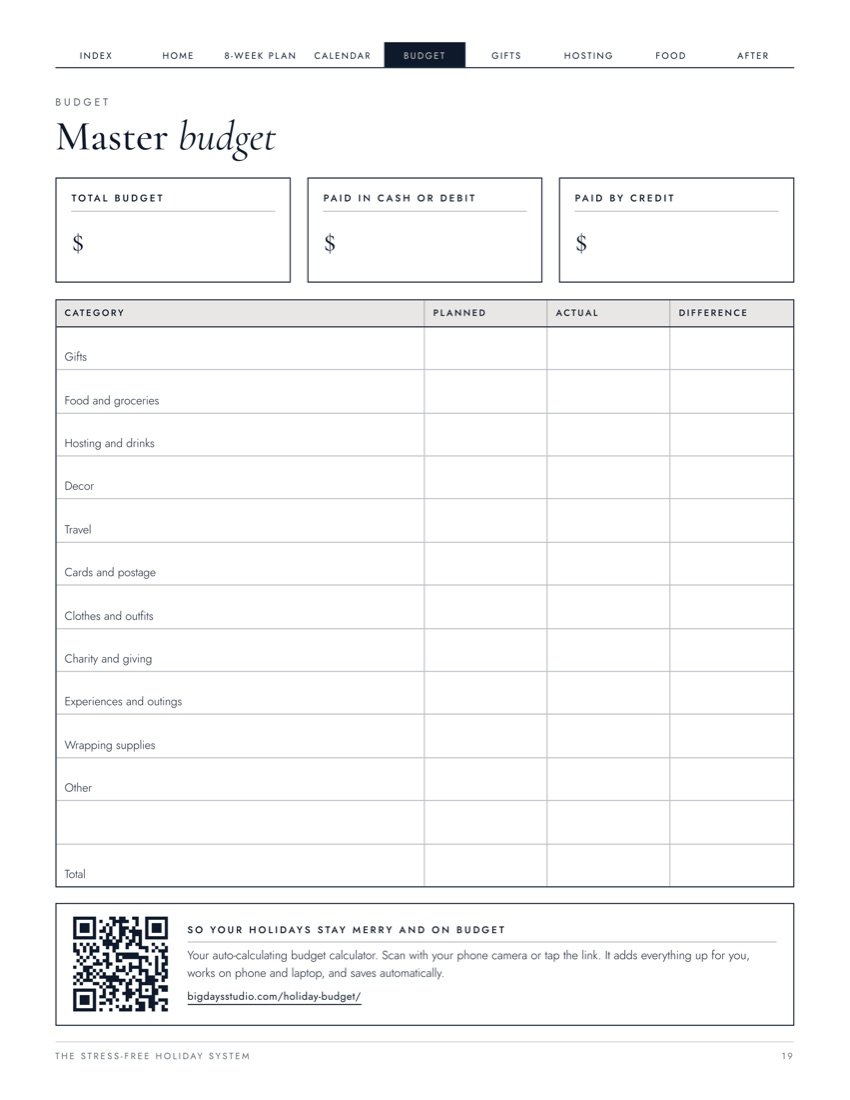
Master budget, expense tracker, budget vs actual, and a holiday debt check so January has no surprises.
Gifts
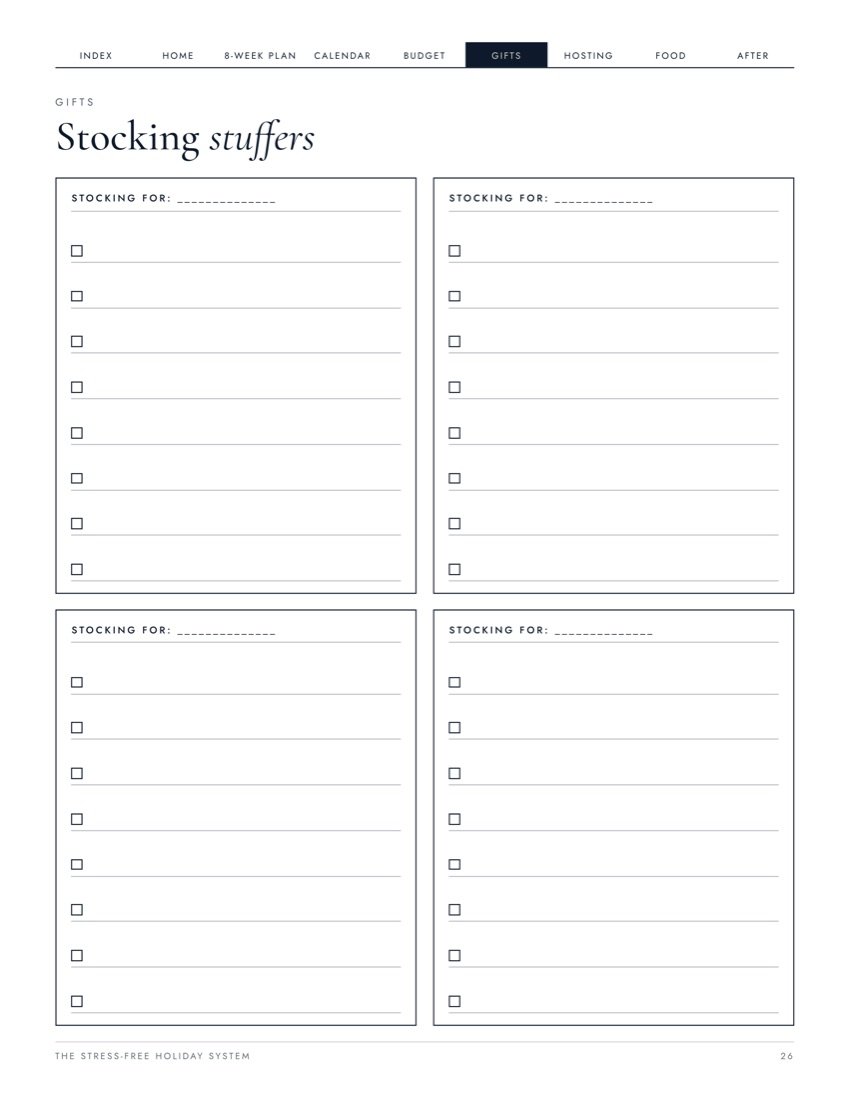
Gift list by person, gift tracker, online orders, stocking stuffers, 50+ gift ideas and the 2026 shipping deadlines.
Hosting
Guest list with dietary needs, menu planner, potluck sign-up, dinner day timeline, turkey guide, grocery list by aisle and baking plan.
After
Returns tracker, thank-you notes, a January money snapshot and notes for next year, so the next season starts easier.
Included free
Scan the QR code on the budget or menu page, and the tool opens on your phone or laptop. No app, no sign-up.
Bonus 01
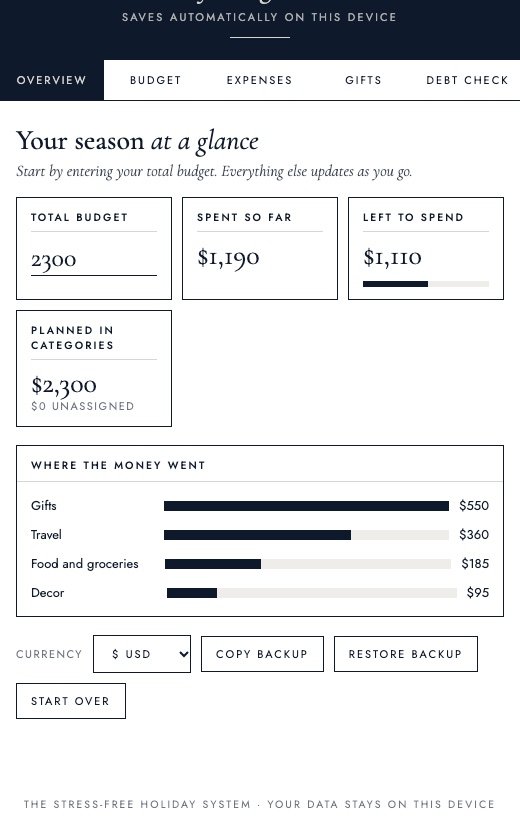
The same categories as the printed budget, but it does the math for you.
Bonus 02
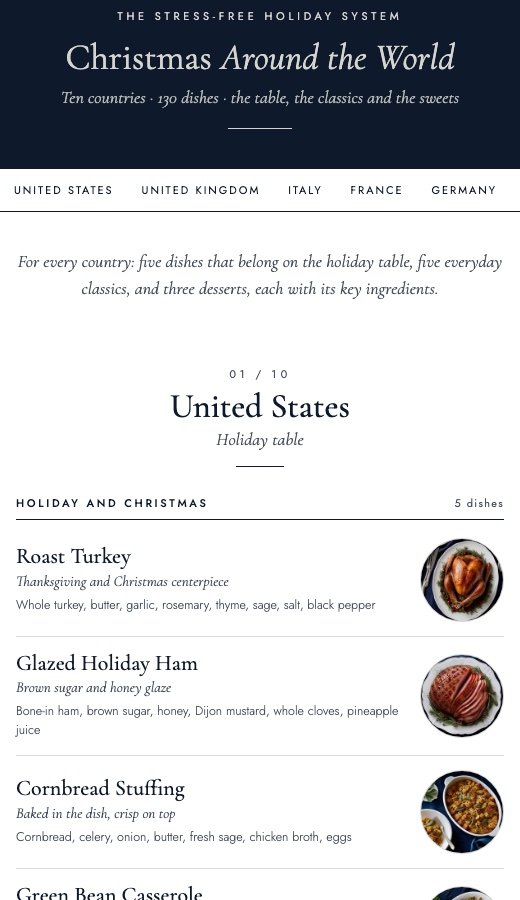
A full menu from ten countries, for the year you want a different kind of table.
Take a look inside
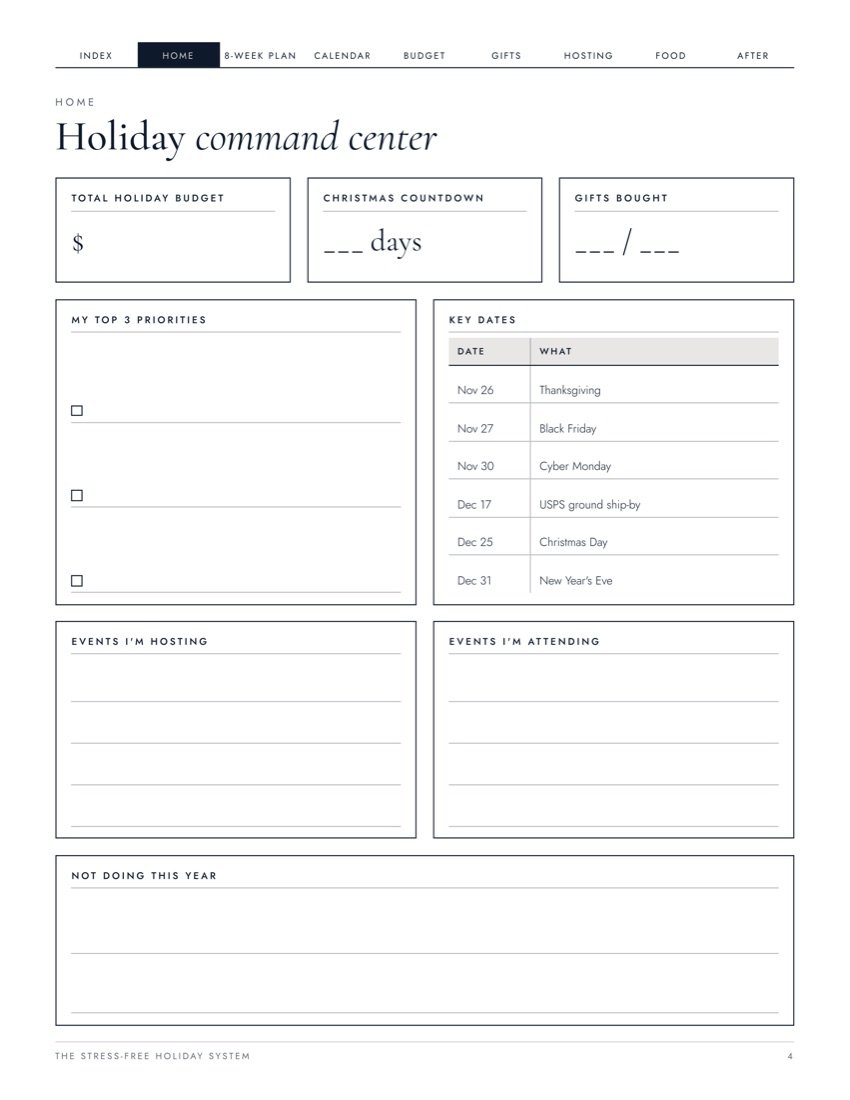
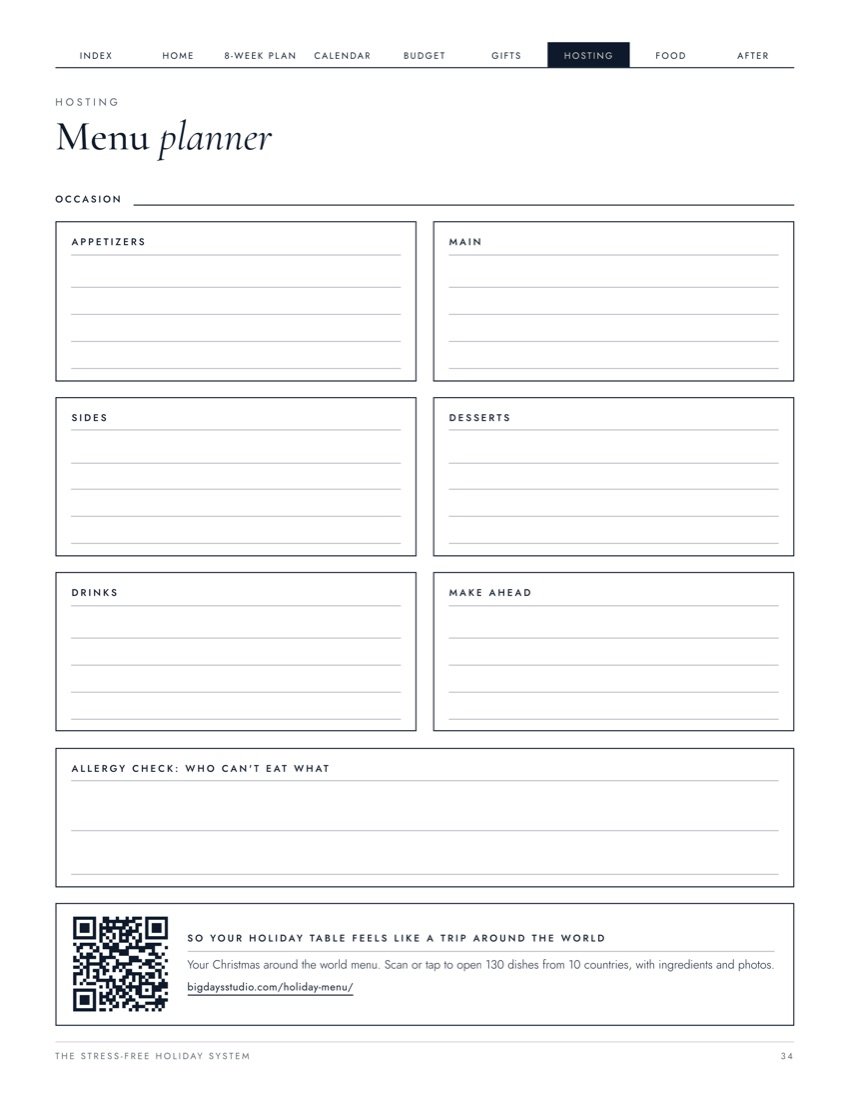
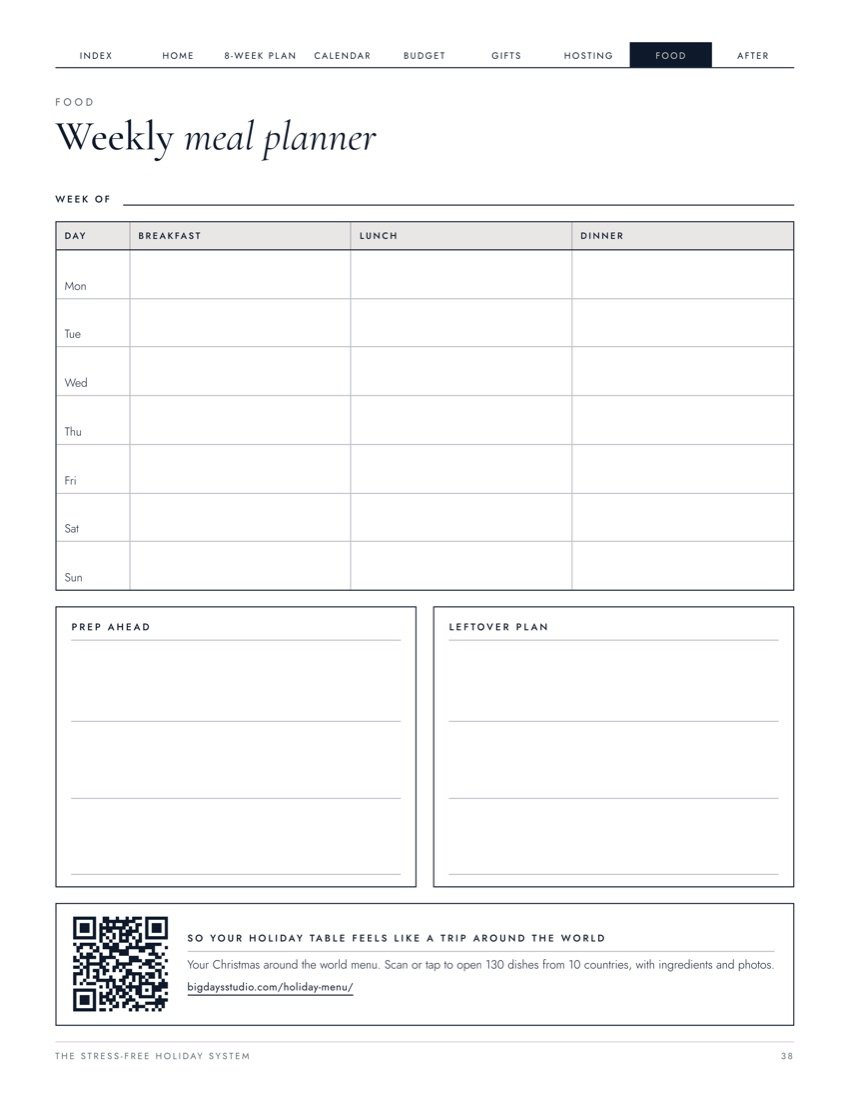
Swipe to see more pages
One purchase
Use it in GoodNotes or Notability with clickable tabs, or print it at home.
How it works
01
A simple, one-time checkout.
02
Get all four PDFs instantly.
03
Set it up in ten minutes, then turn to the next week each Monday.
The Stress-Free Holiday System
$14 USD · one time
Digital product. Nothing will be shipped.
Questions
No. It's a digital download. You get four PDF files right after purchase, ready to use on a tablet or print at home or at a print shop.
Yes. Import the PDF into GoodNotes, Notability or any PDF app. The tabs at the top of every page and the items on the index are clickable.
The budget and menu pages have a QR code. Scan it with your phone camera, or tap the link in the PDF, and the tool opens in your browser. There's nothing to install and no account to make.
Yes. The calculator saves only on your own device. Nothing you type is sent to us. You can copy a backup if you want to move it to another device.
Yes. There's an A4 version, and the calculator lets you pick your currency.
Yes, print as many copies as you need for your own household. Please don't share or resell the files.